Cutting plan and DXF sheet nesting
Plan bar cutting with kerf and trim to minimise offcuts, then nest DXF parts on a sheet with spacing and rotation, and export both plans to PDF.
Chapters
Free account with Google or e-mail
Calculators in this video
- Bar cutting optimizer (1D cutting stock)Enter the stock bar lengths and the parts for each profile, or import them from Excel.
- DXF sheet nesting (true shape)Load your DXF parts, enter quantities and sheet sizes.
Transcript
Intro
This video covers the fabrication section: weight and bill of materials, the cutting plan for bars and sections, and sheet nesting from DXF files.
Weight and bill of materials
Open Fabrication in the main menu. The first tab is weight and bill of materials. It has its own video, so here is just a quick look.
Cutting plan
The cutting plan finds the fewest stock bars and the least waste. Enter the parts to cut, with section, mark, length and quantity, or load them from Excel. Here we keep the sample data. Below, enter the stock lengths you have, the saw kerf, the trim cut at each end, and from which length an offcut is still usable. The result shows the material utilisation, how many bars of each section you need, and a cutting diagram for every bar. Save it as a PDF for the saw, or add the stock bars straight to the bill of materials.
Sheet nesting
Sheet nesting places your parts on standard sheets. Load one or more DXF files. Every closed outline becomes a part, with its holes. Set the quantities. Simple rectangular plates can be added without a drawing. Enter the sheet size, the gap between parts and the edge margin, choose whether parts may be rotated, and calculate. You see the material utilisation, the number of sheets, the weight of parts and scrap, and every sheet layout. Each sheet can be saved as DXF for the cutting machine, and the whole plan as a PDF.
Try it
That's the fabrication section. Try it for free at benchmaths.com.
 BenchMaths in two minutes
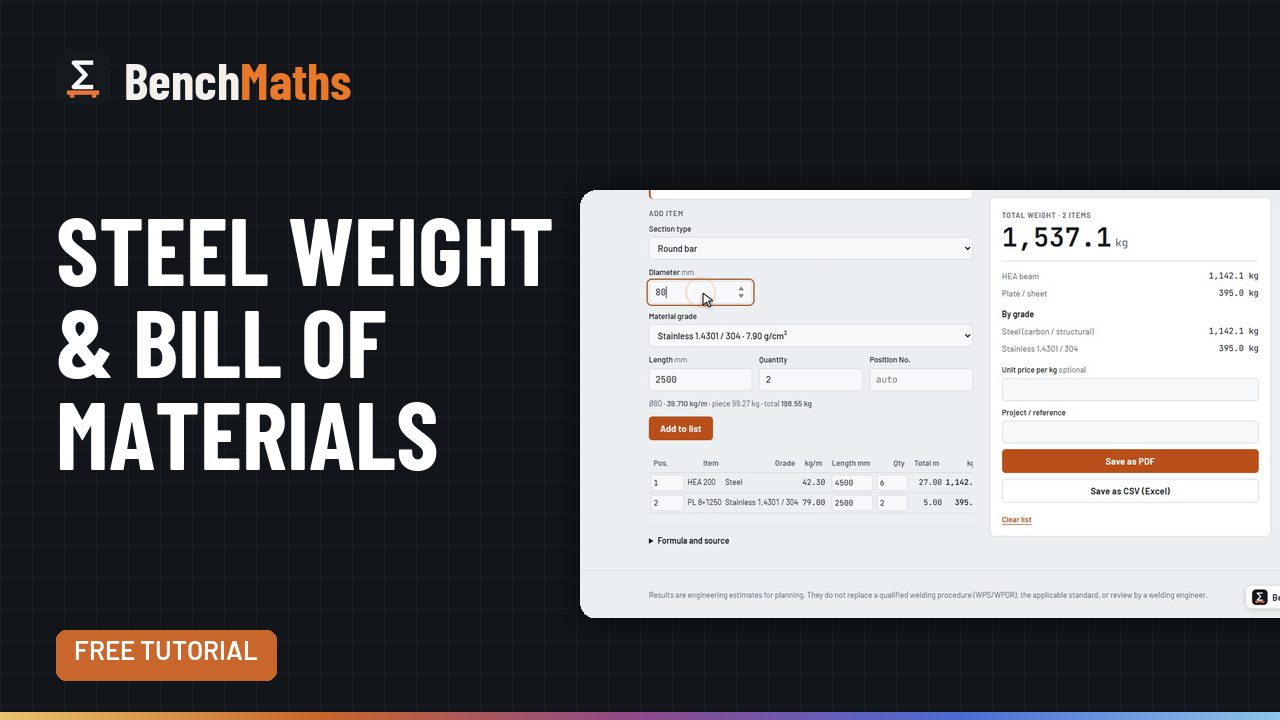 Steel weight and bill of materials
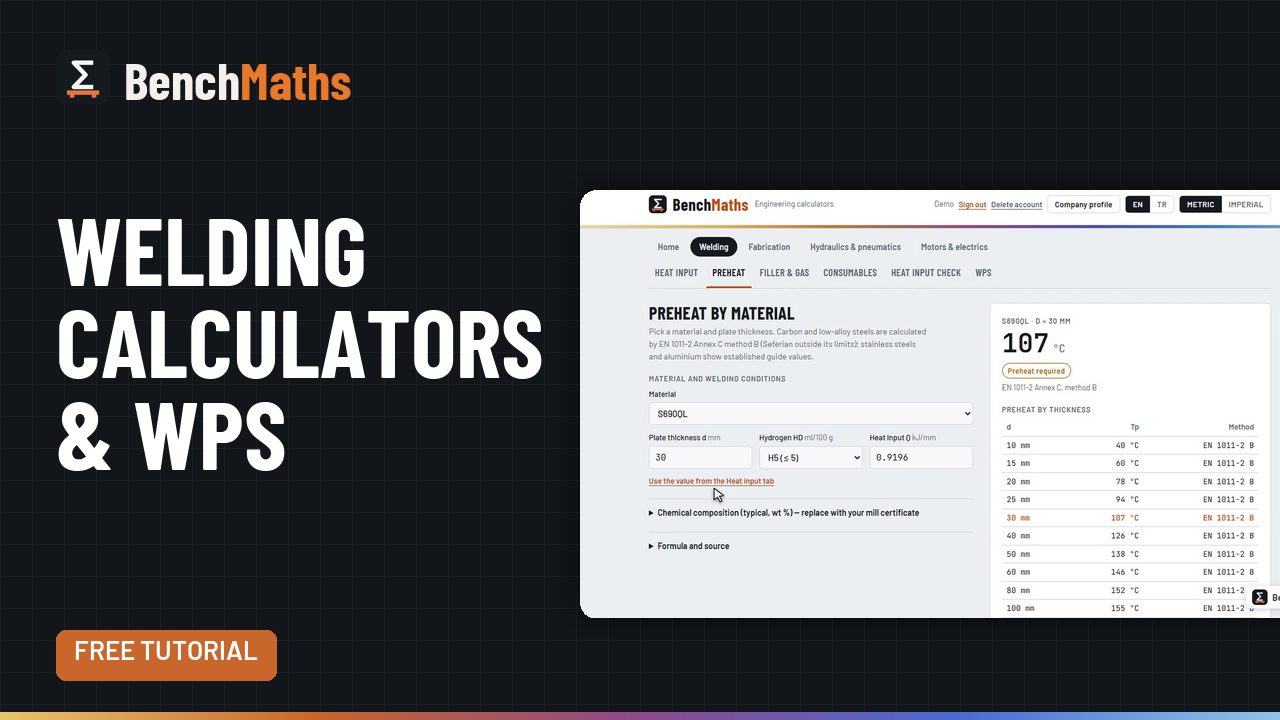 Welding calculators: heat input to WPS
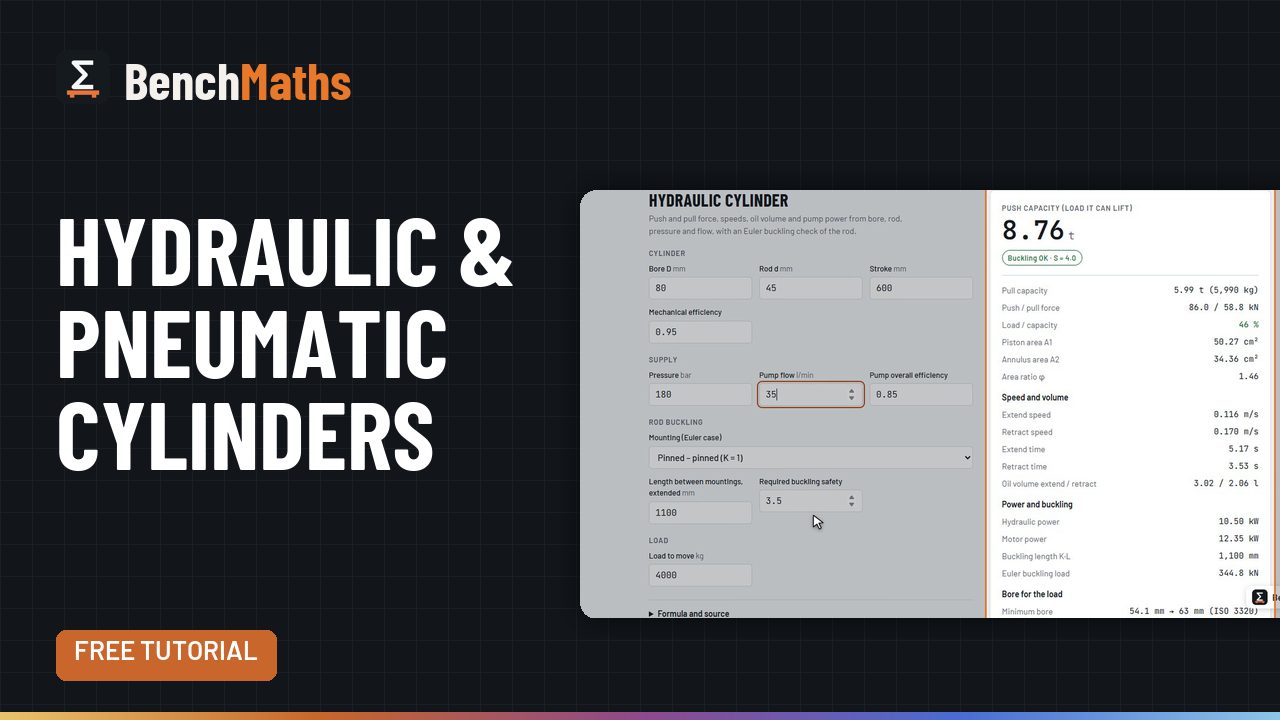 Hydraulic, pneumatic and vacuum calculators
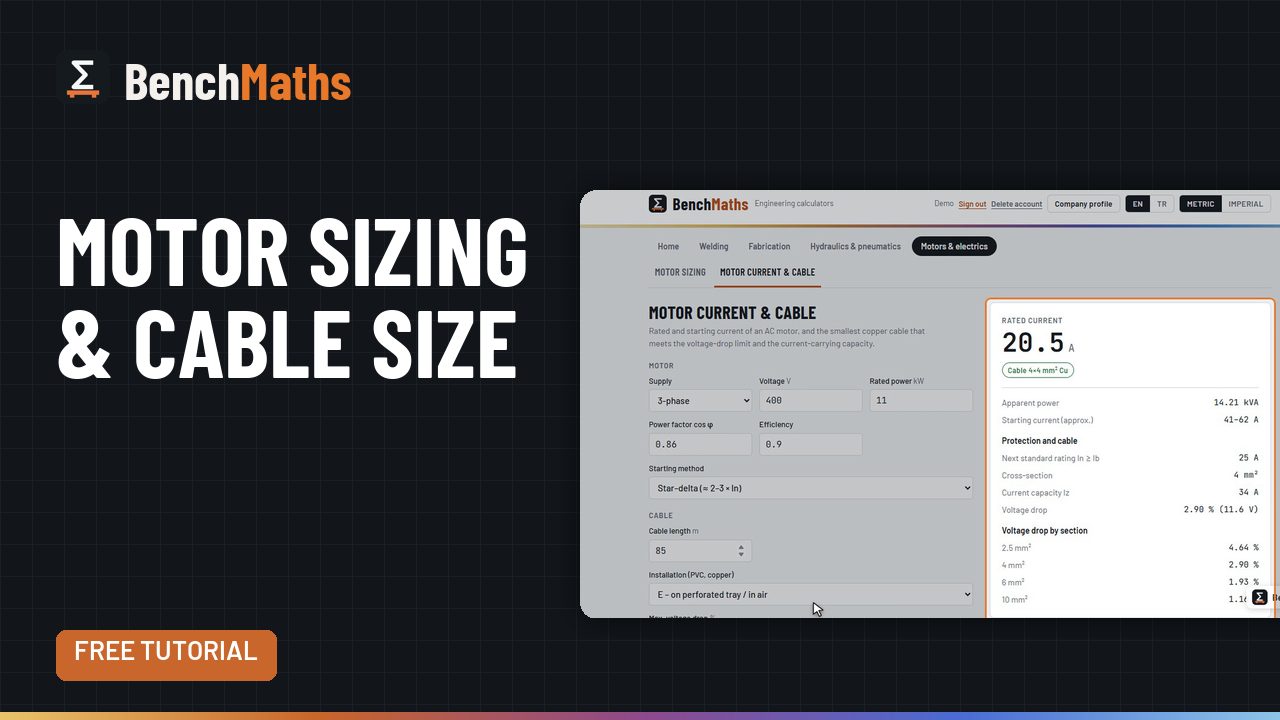 Motor sizing, motor current and cable size