Welding calculators: heat input to WPS
All welding calculators in one video: heat input, minimum preheat per EN 1011-2, filler metal and shielding gas, weld metal and consumables, the t8/5 heat input check and a WPS to EN ISO 15609-1 as a PDF.
Chapters
- 0:00Intro
- 0:09Heat input
- 0:31Preheat
- 0:53Filler metal and gas
- 1:14Consumables
- 1:32Heat input check
- 1:54WPS
- 2:46Try it
Free account with Google or e-mail
Calculators in this video
- Welding heat input calculatorCalculate arc energy and heat input in kJ/mm from welding voltage, current and travel speed.
- Preheat temperature calculatorPick a material and plate thickness to get the minimum preheat temperature.
- Filler metal and shielding gas selectorSelect the two base metals and the welding process.
- Weld metal and consumables calculatorEnter the joint type, dimensions and weld length.
- Heat input check and t8/5 cooling timeChoose the two base metals, process and filler, then enter preheat and the welding parameters for each run.
- WPS generator (EN ISO 15609-1)Answer the questions step by step to build a welding procedure specification.
Transcript
Intro
This video walks through the welding section of BenchMaths: six calculators that take you from heat input to a finished WPS.
Heat input
Open Welding in the main menu. The first tab is heat input. Choose the process, then enter voltage, current and travel speed. Heat input and arc energy follow EN ISO 1011-1, with the thermal efficiency factor of the process. Open Formula and source to see exactly how it is calculated.
Preheat
Next, preheat. Choose the steel grade, for example S690QL, the plate thickness and the hydrogen class of the filler. The heat input can be taken over from the previous tab with one click. The minimum preheat follows EN 1011-2, Annex C, and the table shows it for other thicknesses too.
Filler metal and gas
In Filler and gas, choose the two parent metals and the process. You get the matching filler metal in AWS and EN ISO terms, the shielding gas, and the reasons behind the choice. Dissimilar joints work the same way. Steel to stainless 304, for example, gives a 309 type filler.
Consumables
Consumables calculates the weld metal for a given seam. Choose the joint type, the throat thickness and the seam length. You get the filler metal needed in kilograms, the arc time and the shielding gas. The process values are typical, so adjust them to your own shop.
Heat input check
The heat input check compares your welding parameters, run by run, with the range allowed for the material. Here, a 20 millimetre S690QL butt weld. The gauge shows whether the heat input is too low, in range, or too high, and the table lists every run with its heat input and cooling time t8/5.
WPS
Finally, the WPS. It is built step by step, following EN ISO 15609-1. Fields marked with a star are required. Values from the other tabs are filled in as suggestions: parent metals, filler, gas and preheat. Check them, complete what is missing, and move on with Next. In the weld runs step, enter current and voltage for each run. Heat input is calculated for every run. Last, enter who prepared and who approved the WPS. On the right you always see which required fields are still missing. When everything is complete, create the WPS as a PDF.
Try it
That's the welding section. Try it for free at benchmaths.com.
 BenchMaths in two minutes
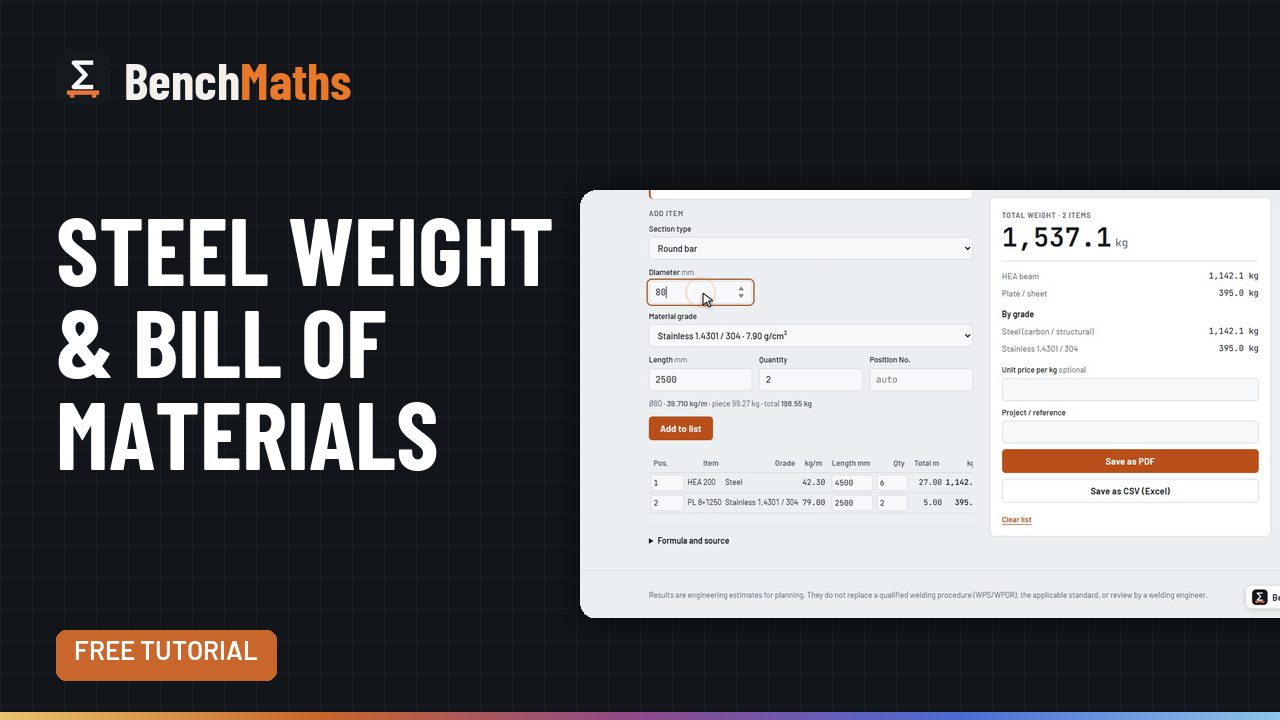 Steel weight and bill of materials
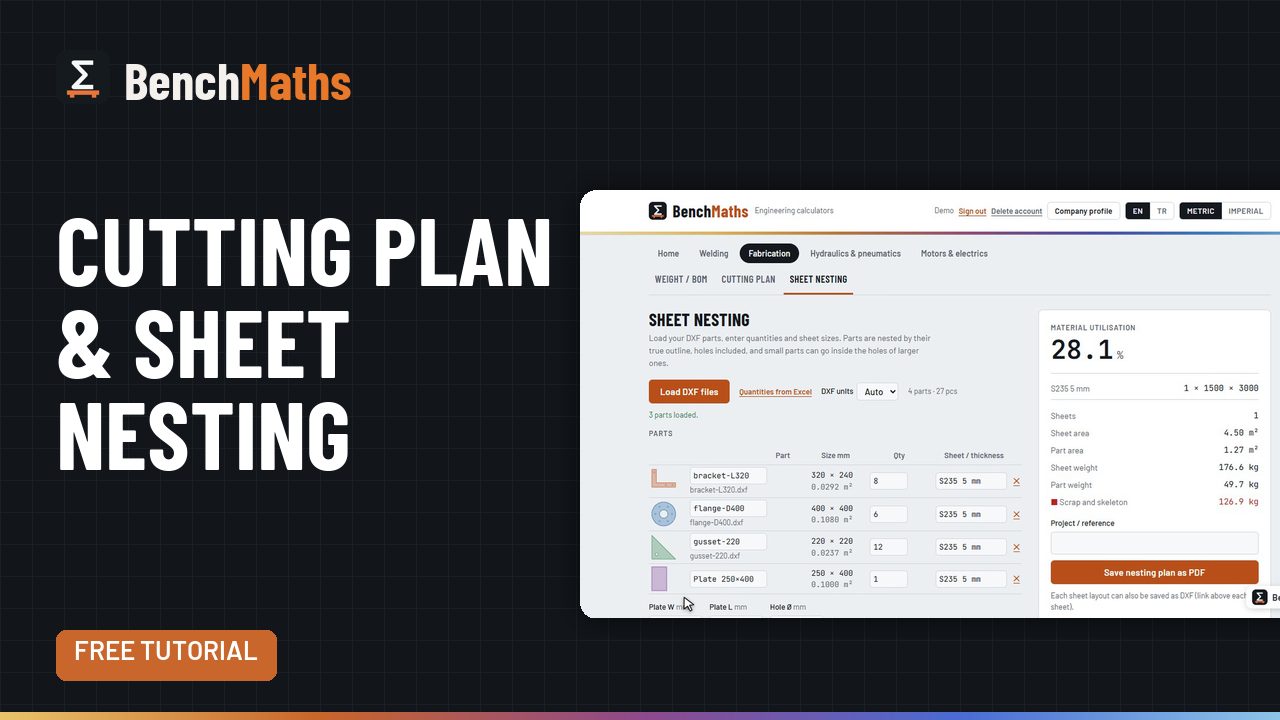 Cutting plan and DXF sheet nesting
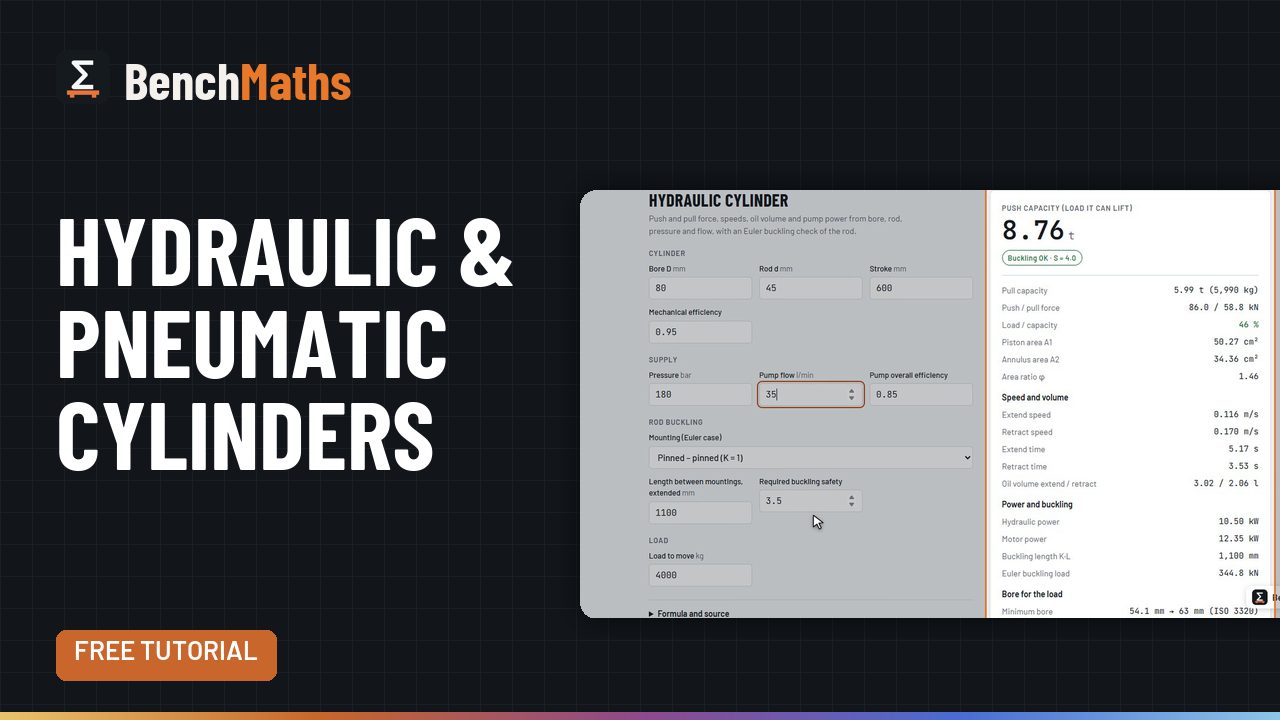 Hydraulic, pneumatic and vacuum calculators
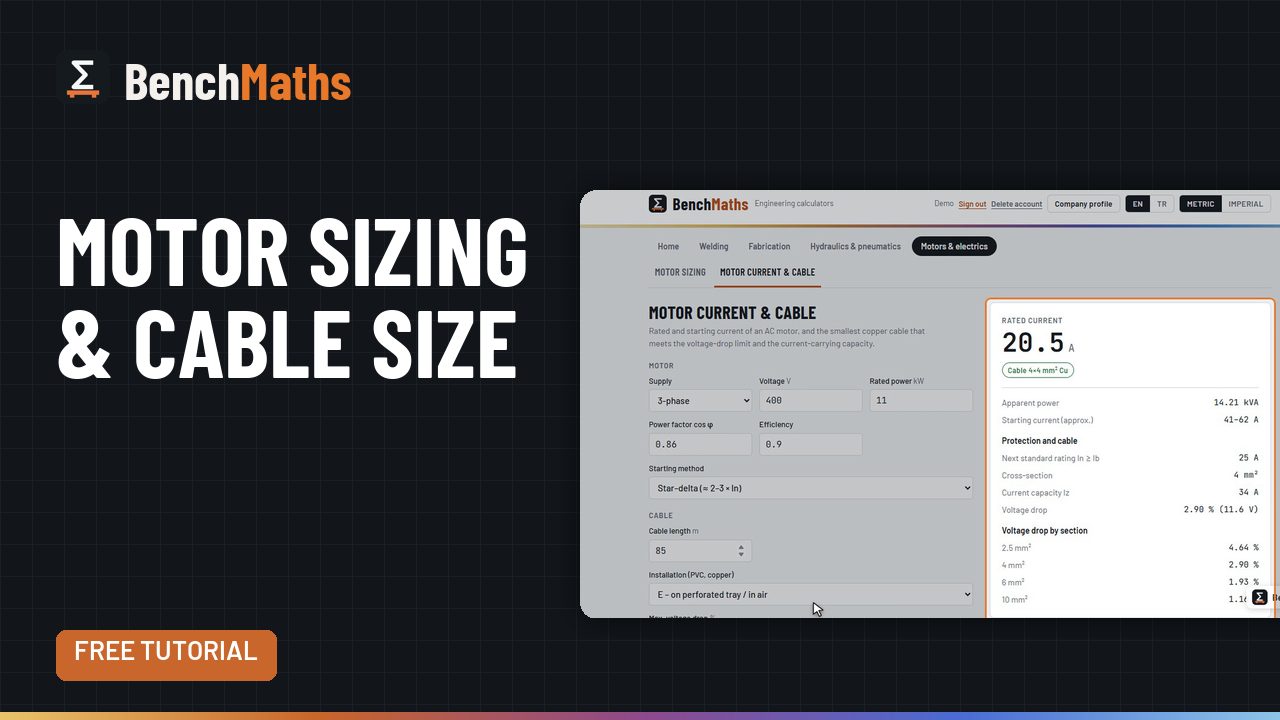 Motor sizing, motor current and cable size